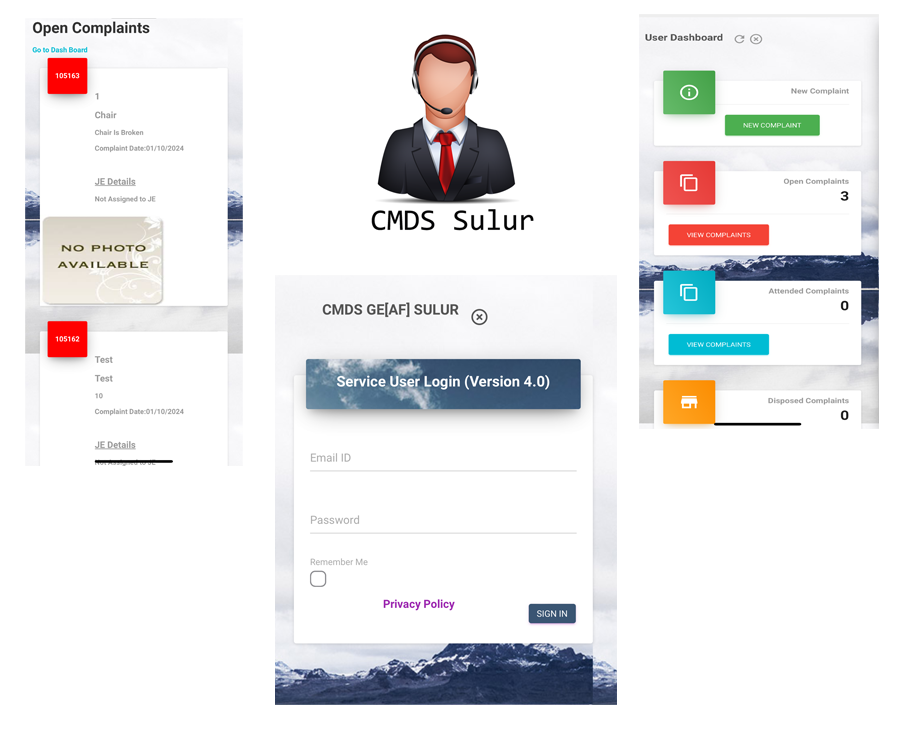
CMDS Service User App
App used to Service Users to Log Complaints and View Updates On Complaints
About
Complaint Monitering & Disposal System for Service User
This app CMDS (Complaint Monistoring and Disposal) Service User is used by users who are consuming services of CMDS to log complaints regarding services consumed. User of the app is called Service User will login in the sofware can do the following things -
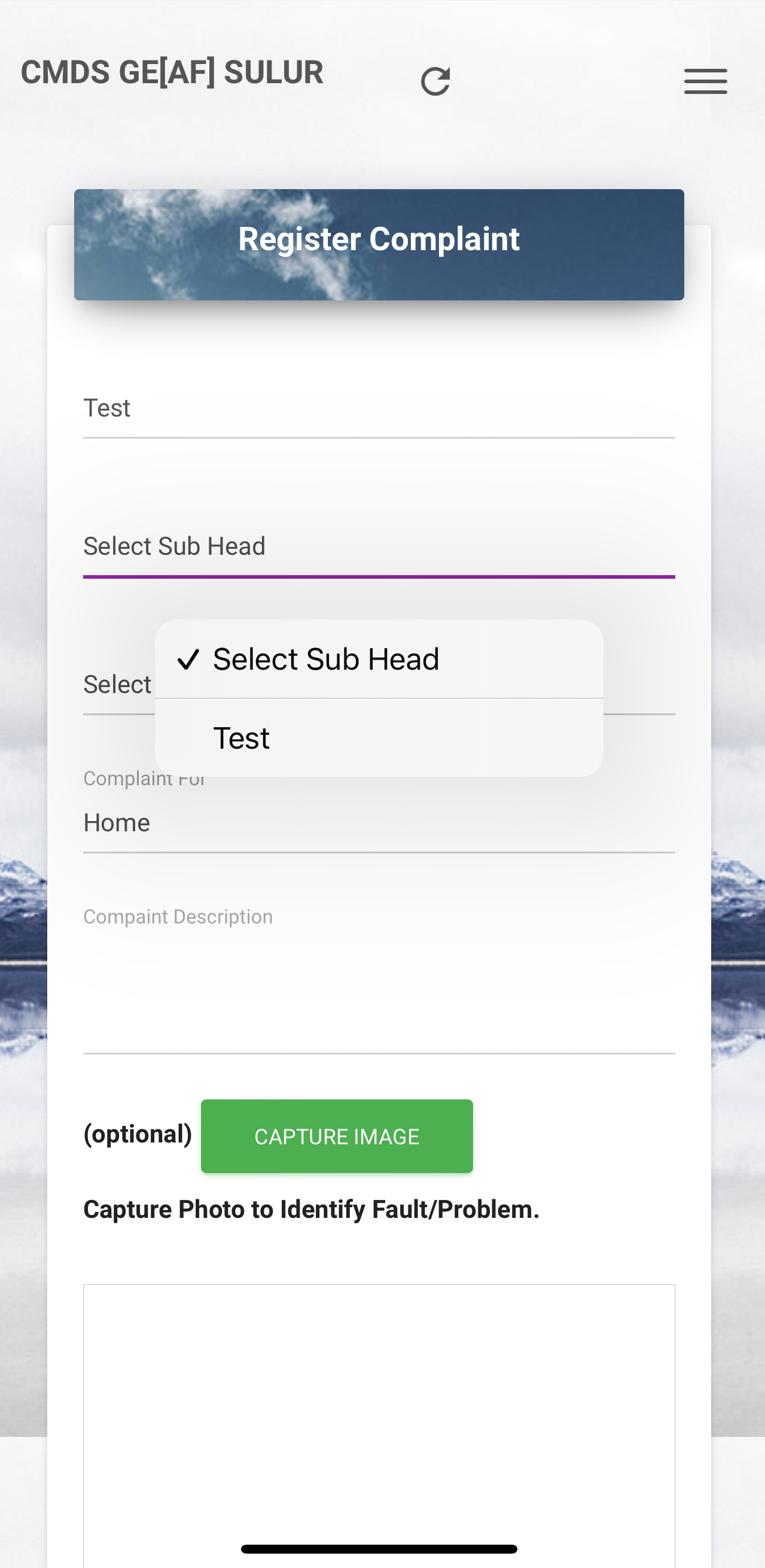
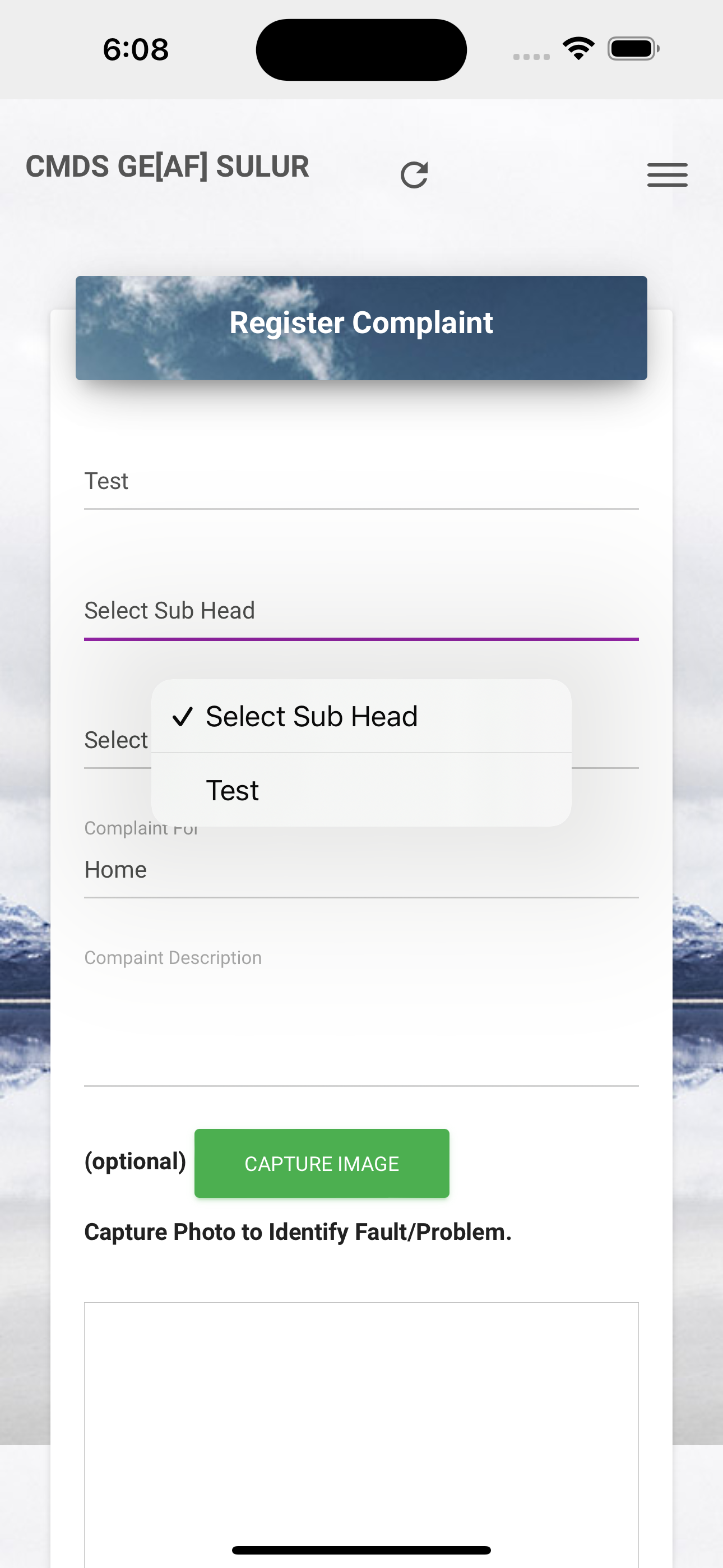
- Register New Complaint.
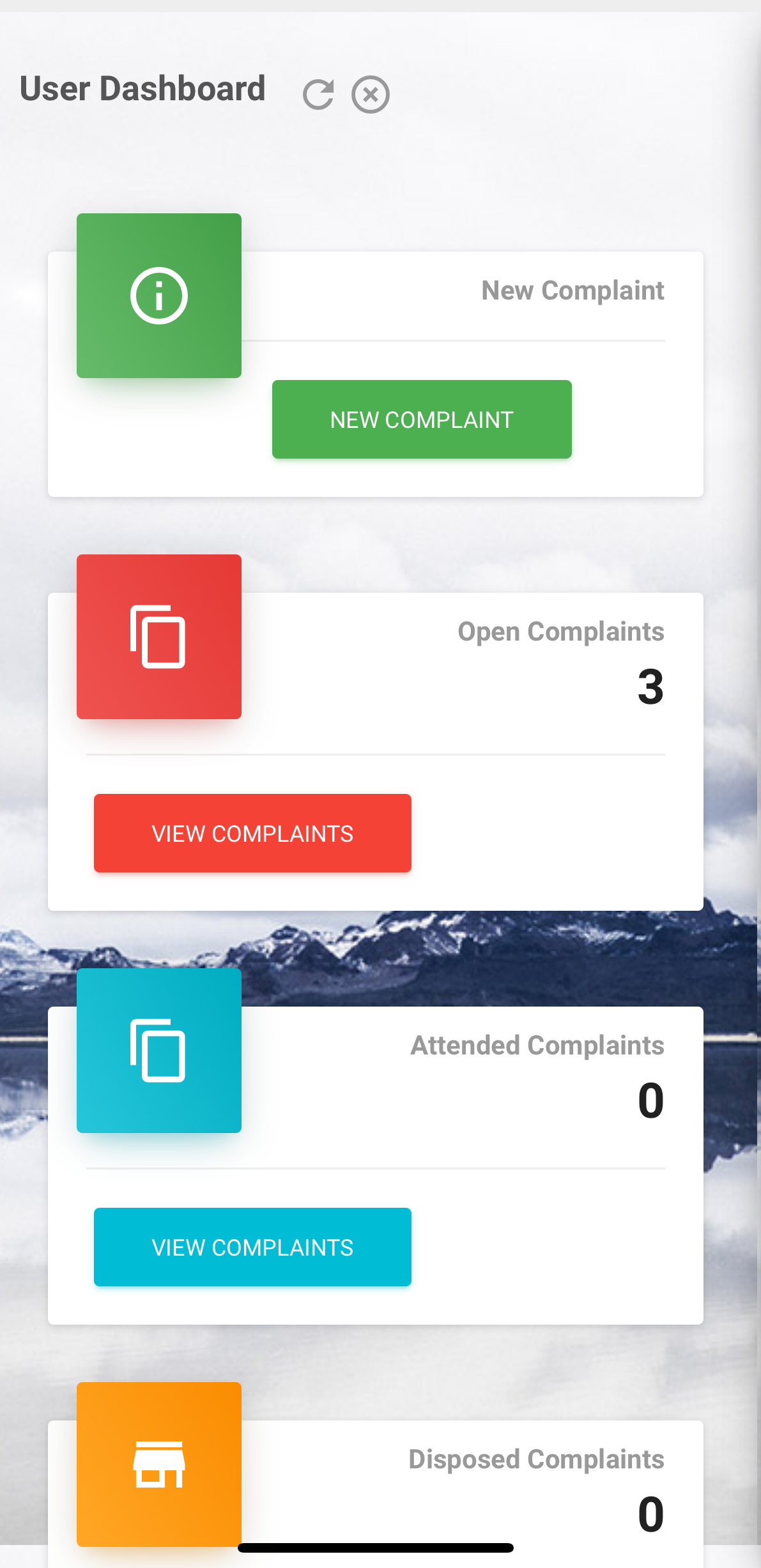
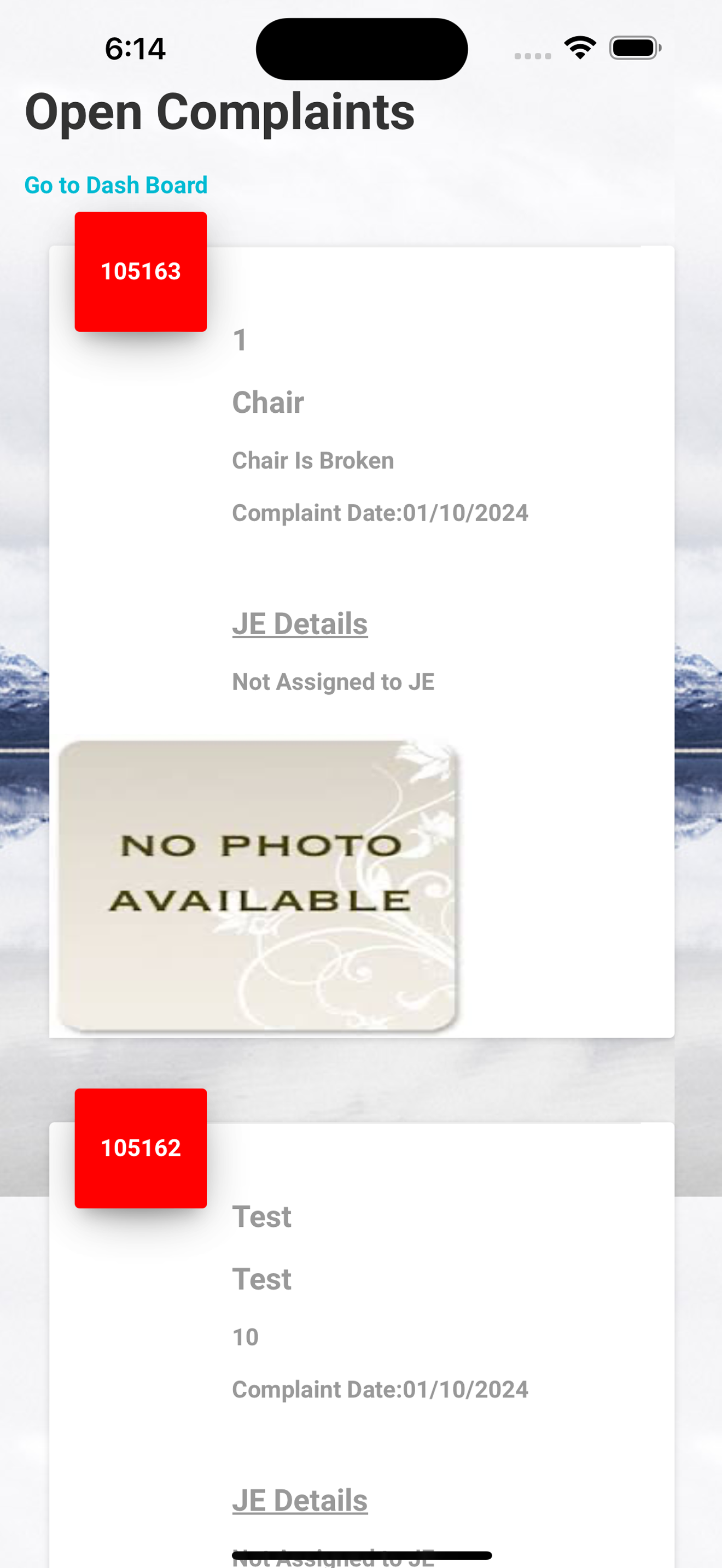
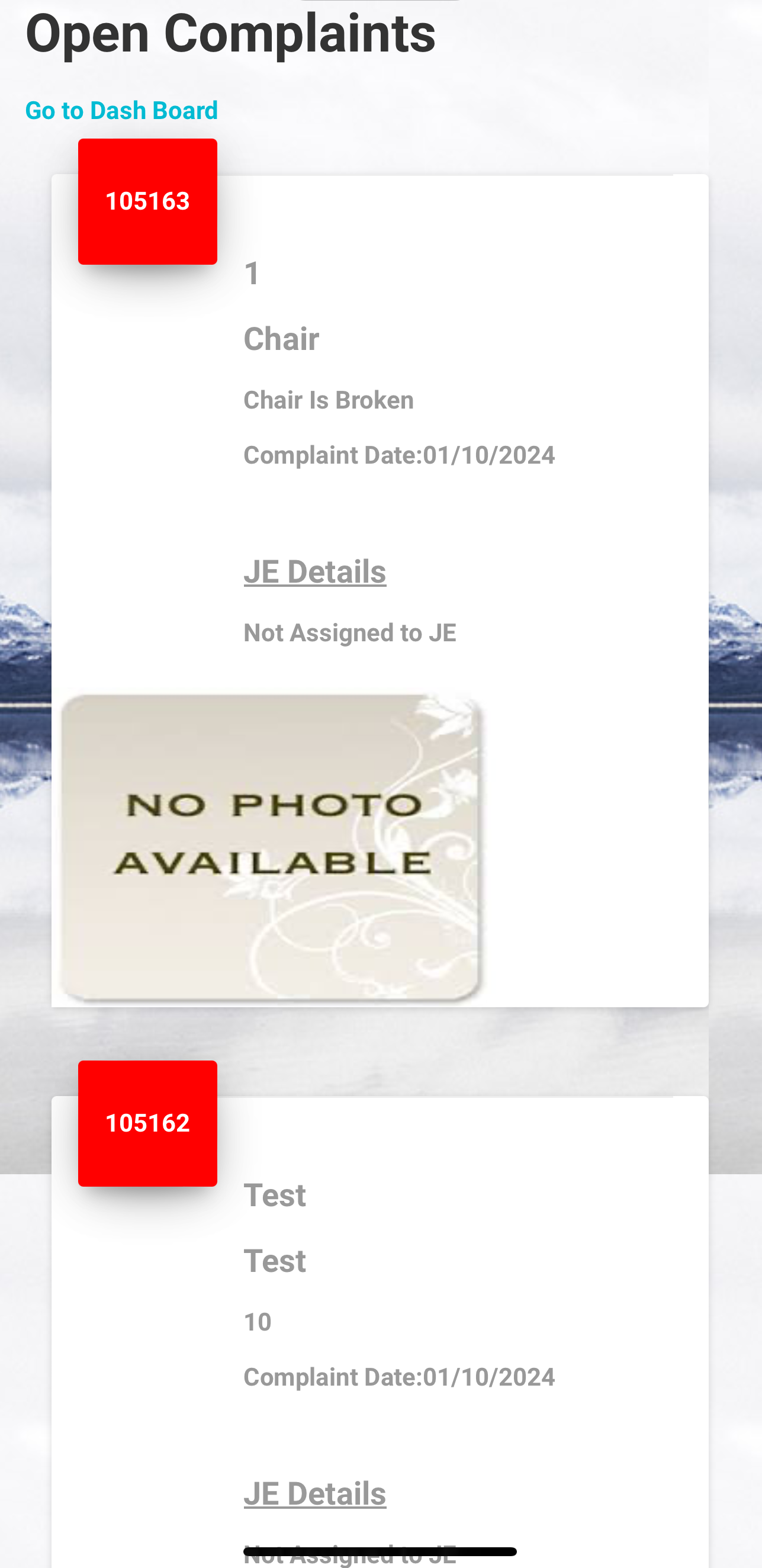
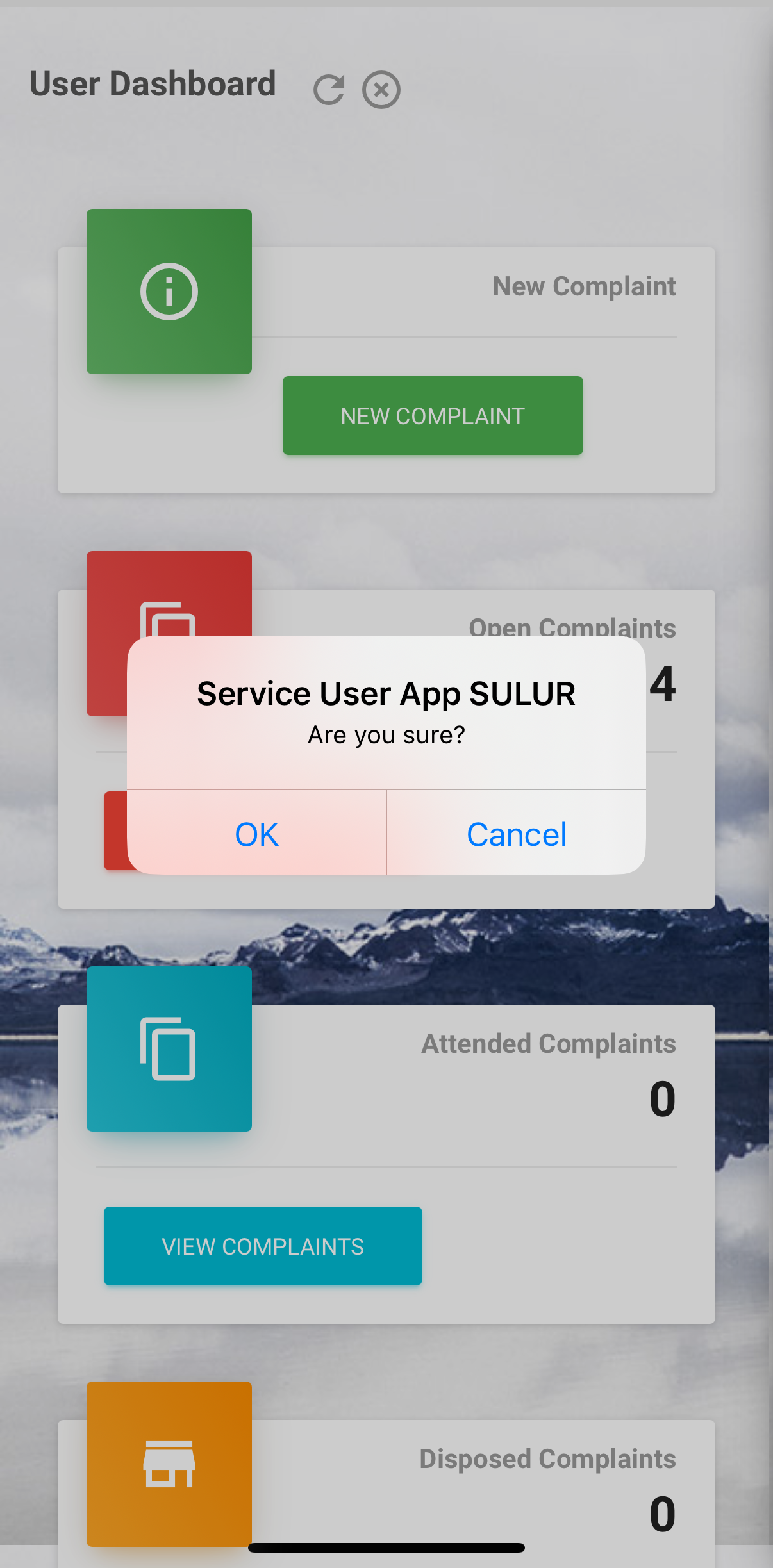
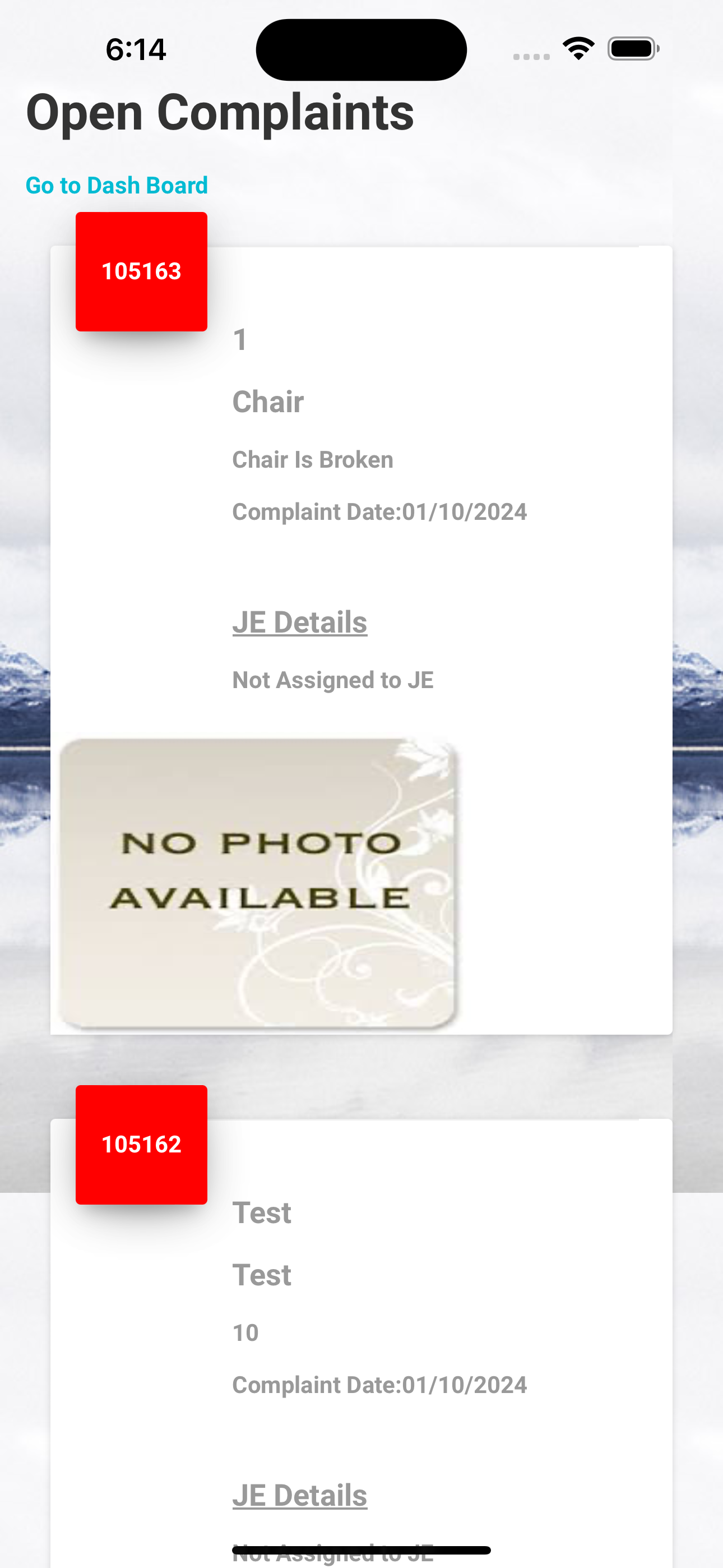
- View Open Complaints Count and Details.(view only).
- View Attended Complaints and Update. (view only)
- View Disposed Complaint (view only)
- View Major Complaint. (view only)
- Give Feed Back On Complaint
Features
CMDS Service User App used by users to log complaints regarding various services and view the updates on those logged complaints. It has following features-

Register New Complaint
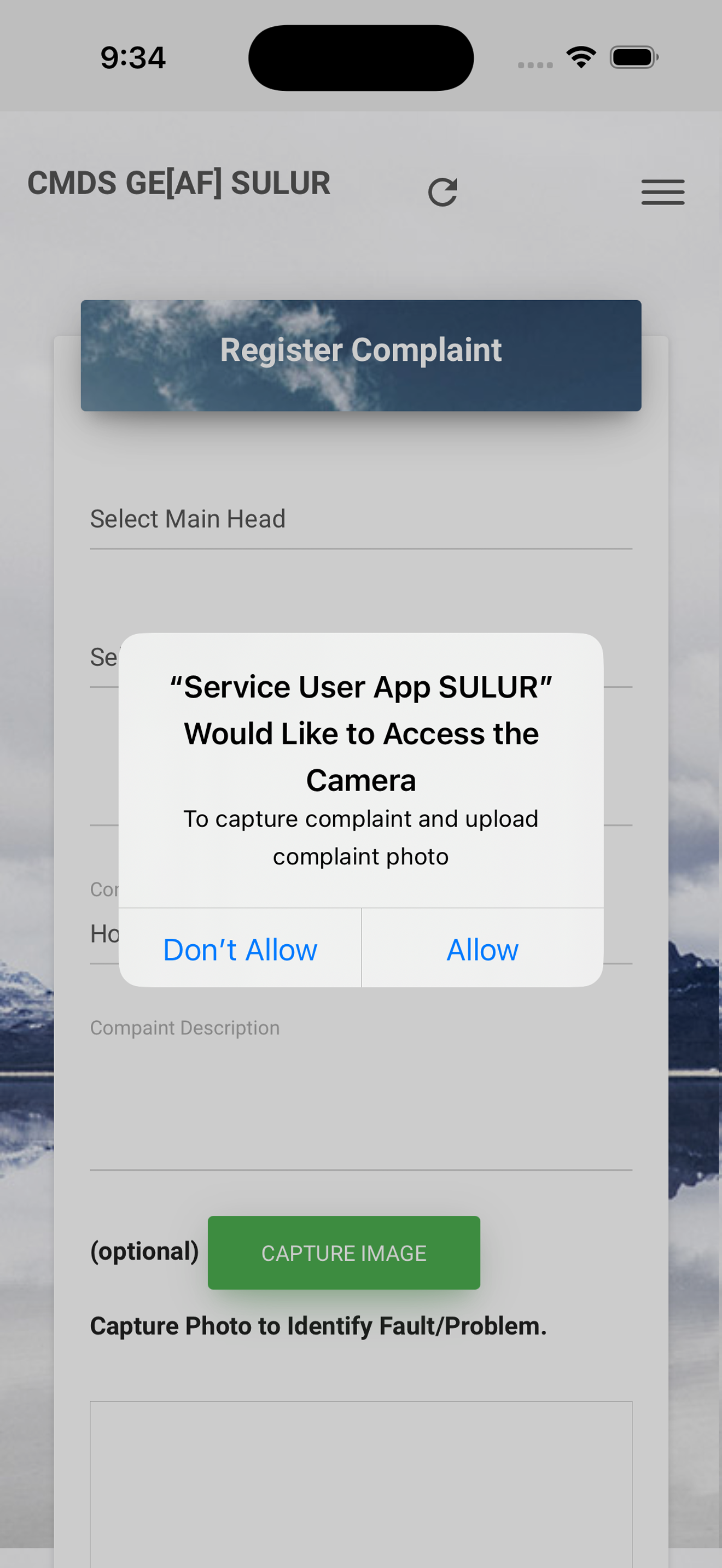
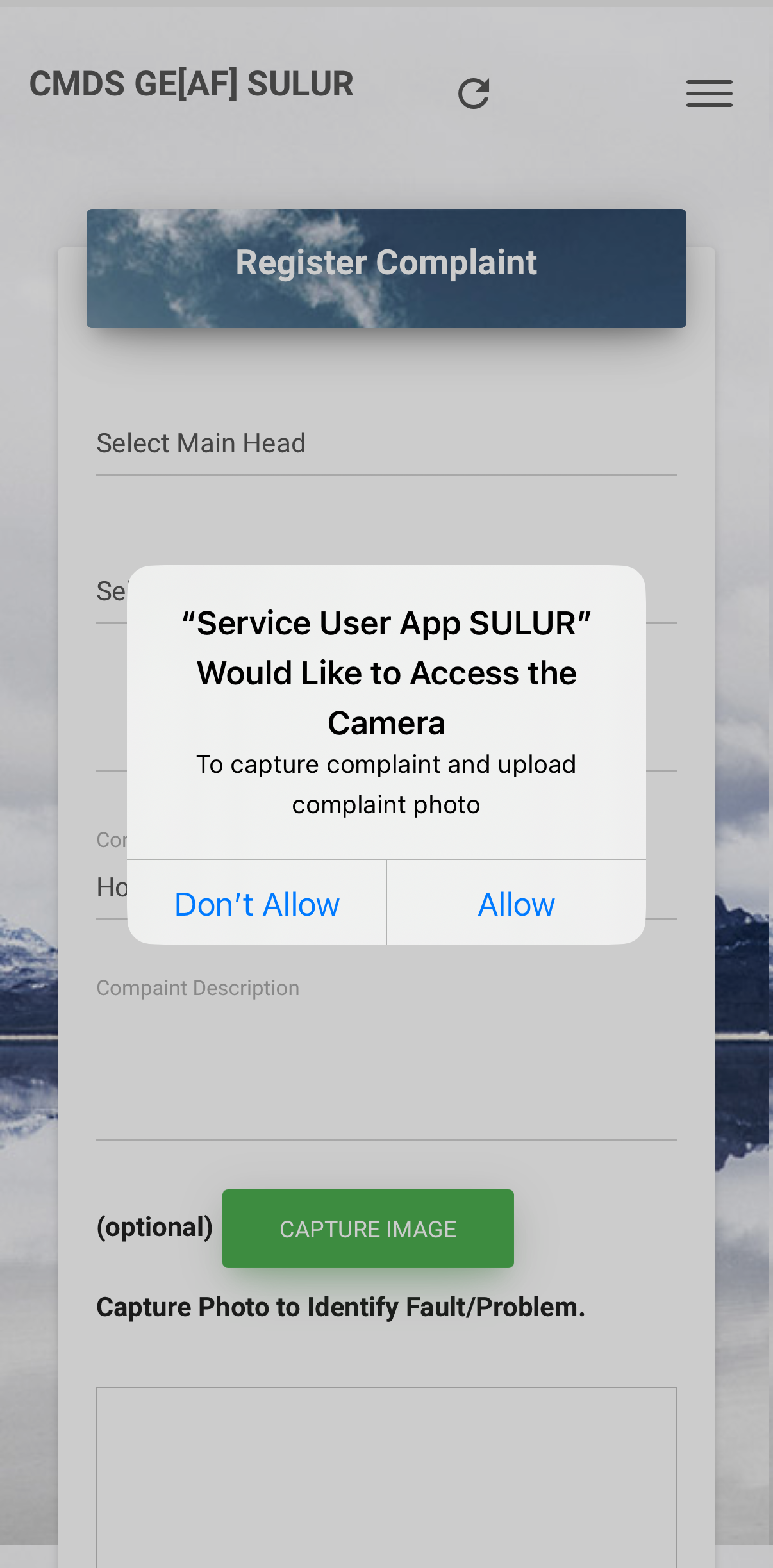
Service User (User) can log in in the App and can log the new complaint. Service User can log the complaint with or without photo of the complaint.
View Updates
Using thie fetaure servie user can view the updates on the complaints generated by Engineer and Support Excutive using which he/she understand the progress on complaint.
Major Complaint
Backend Support Executive can put the complaint to major complaint category, if the complaint need large process (tendering) to solve, it will be displayed in major complaint.
Dispose Complaint
Contractor or support engineer when solve the complaint can mark the compalint as disposed complaint will be displayed in dipose complaint list.
Feed Back System
After complaint get disposed (closed), service user can give feed back on the complaint with rating.
Complaint Monitoring & Disposal System => Process

Launch / Register /Log Complaint
To Log/Register New Complaint, Service User (User) should be registered with CMDS. This registeration is offline for that Service user need to visit the CMDS Office and visit CMDS Admin. Once registered by CMDS Admin (Offline) he/she will provide you the emailid and password to login in the app. Once you get login details you can do -
- Download the App from Store Android/Apple.
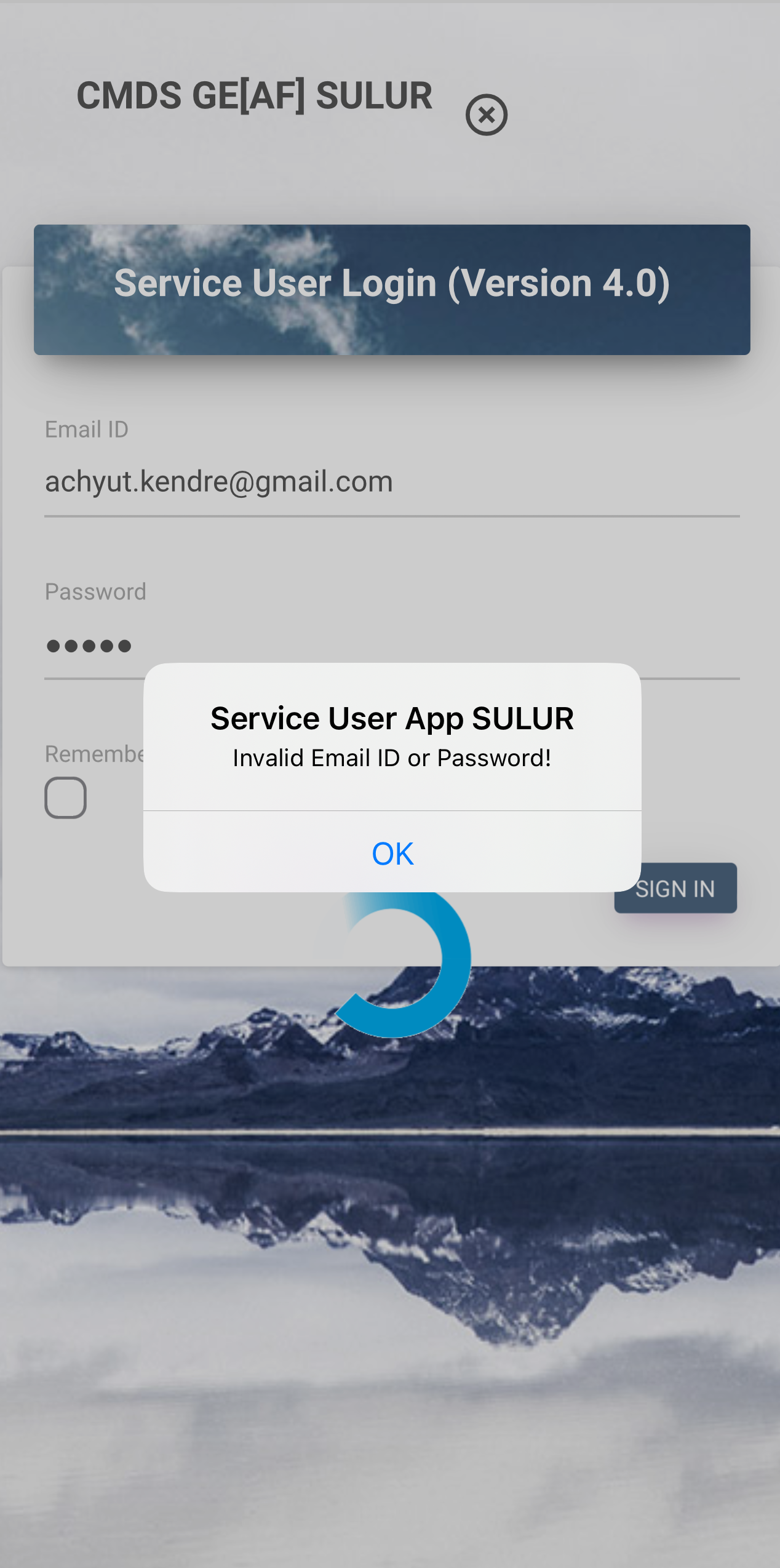
- Login in the App using provided email id and password
- Go to New Complaint Option
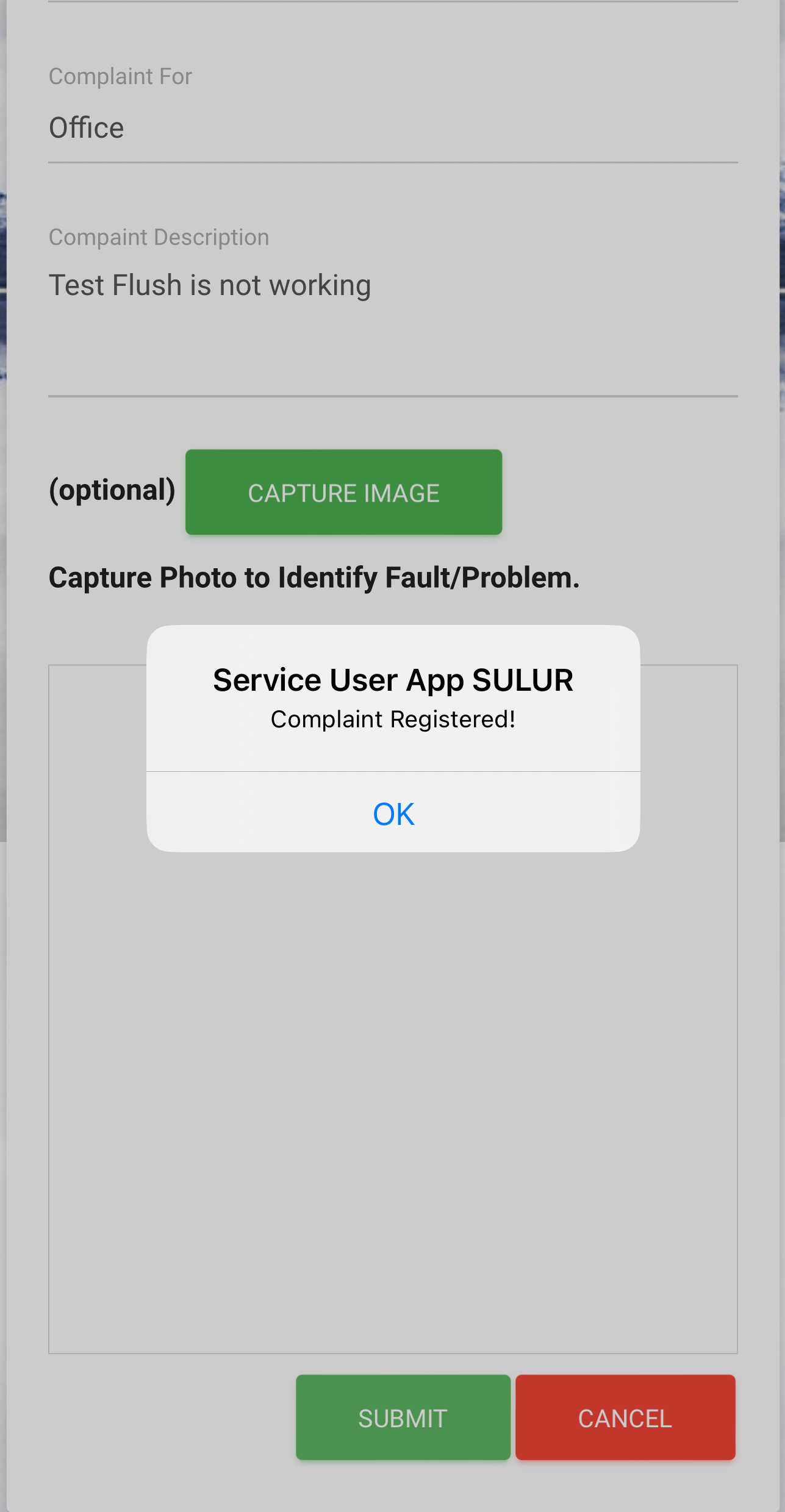
- Select Main Head, Sub Head and fill other Details as Required.
- If user want to capture photo can capture the photo of complaint and upload it.
- Once all details filled will submit the complaint, user will get confirmation regarding the complaint registration.

Complaint Updates/ Major /Disposal.
Once complaint is logged/registered by the user it will be displayed in Open Section with Count. This complaint will be displayed to CMDS Executive in his/her backend software. CMDS Executive can do the following activites -
- Assign Complaint to Contractor Staff/Engineer from backend Software.
- Once Staff/Engineer work on complaint it will be displayed in Attended.
- Complaint get solved executive will be notified by Staff/Engineer.
- Executive will mark that complaint to be disposed will be displayed in dispose section to service user mobile app.
- Some times it happens that when contractor staff/engineer view details or visit complaint location found that complaint can not solved immediately since it is major work (tendering is required for the same) so excutive will mark it major complaint will be displayed to service user in major complaint section.
Feed Back
Once complaint is disposed by executive from the backend software it will be displayed in dispose section in service user app where from service user can give the feed back.

Frequently Asked Questions
How you can register new complaint?
Any user can download the Mobile App from Goolge Play Store or Apple Store /Connect and do the login using the login details provided by CMDS. You can register complaint with complaint photo or without photo.
Where from I will get Login Details?
For login details you should be registered with CMDS Office and you should be consumer of serivces provided by CMDS. To register with CMDS (Registration is offline) , you need to Visit CMDS office for registration. Admin at CMDS Office will register that service user using offline software at CMDS Office.
How service user will get updates on complaints?
When user logs/register the complaint from mobile application, it wil be displayed to CMDS Executive in his backend Software in just registered section. Backend executive will assign that complaint to specific junior engineer or contractor staff who suppose to work on that complaint. When junior engineer or constractor staff works on it, they will gives the update to excutive, executive will up it in his backend sofware, that will be displyed to service user in his/her mobile App.
What is Disposed Complaint?
When junior engineer/contractor work on assigned complete and solves it. He/She will notify it to CMDS Executive. CMDS Executive will mark the complaint diposed means completed, will be displayed to service user in Disposed Section.
What is major complaint?
When Junior Engineer or Constractor Staff investigate the complaint and found that the solution need a tendering process or major process to execute the work. CMDS Executive mark it as a major complaint. Major Complaints will be displayed in major complaint section of the Service User App.
Contact
Please Contact Us for More Queries
Address
First Floor, Tulaji Classic, Main Road
Akurdi Pune, Maharashtra, India-411035
Call Us
+91 9730010404
+91 9762457230
Email Us
contact@revolutioninfosystems.com
Open Hours
Monday - Saturday
9:00AM - 05:00PM
Gallery